In the last days, we need to enter data structures of master-detail type in SQL Server inside a single transaction.
Initially we tried to invoke the insertion of the header and the insertion of the details using two send shapes inside an atomic scope. Soon we realized that BizTalk activates the DTC only using WCF WS-http.
So we thought to use the composite operation technic that so far we only used to invoke n times the same stored procedure and in particular to insert batch of records.
Microsoft’s documentation is very clear in regard and illustrates different possibilities in using this technique (http://msdn.microsoft.com/en-us/library/dd788136.aspx).
However, since there is nothing on the Internet that describes our specific case, or at least we did not find any example, we decided to illustrate a simple case that I hope will be useful.
In the following paragraphs, we show the steps to prepare the database, create the BizTalk project and deploy the example.
Database setup
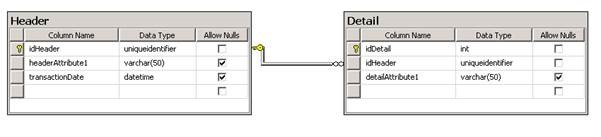
For brevity, the used data structure is very simple and is composed just from two table in master-detail form.
Following the data diagram.
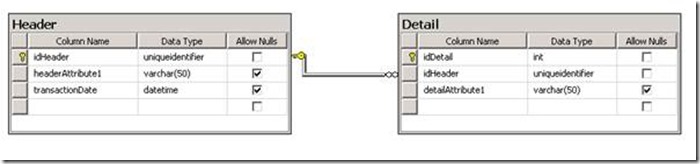
Once created the data structure we have created two stored procedures for entering data in the two tables.
Below is the script to create the database, tables and stored procedures.
USE [master]
GO

CREATE DATABASE [MyDatabase]
GO

USE [MyDatabase]
GO

CREATE TABLE [dbo].[Header]
(
    [idHeader] [uniqueidentifier] NOT NULL,
    [headerAttribute1] [varchar](50) NULL,
    [transactionDate] [datetime] NULL,

    CONSTRAINT [PK_Header] PRIMARY KEY CLUSTERED
    (
    [idHeader] ASC
    ) WITH (PAD_INDEX = OFF, STATISTICS_NORECOMPUTE = OFF, IGNORE_DUP_KEY = OFF, ALLOW_ROW_LOCKS = ON, ALLOW_PAGE_LOCKS = ON) ON [PRIMARY]
) ON [PRIMARY]
GO

CREATE TABLE [dbo].[Detail]
(
    [idDetail] [int] IDENTITY(1,1) NOT NULL,
    [idHeader] [uniqueidentifier] NOT NULL,
    [detailAttribute1] [varchar](50) NULL,

    CONSTRAINT [PK_Detail] PRIMARY KEY CLUSTERED
    (
    [idDetail] ASC
    ) WITH (PAD_INDEX = OFF, STATISTICS_NORECOMPUTE = OFF, IGNORE_DUP_KEY = OFF, ALLOW_ROW_LOCKS = ON, ALLOW_PAGE_LOCKS = ON) ON [PRIMARY]
) ON [PRIMARY]
GO

CREATE PROCEDURE [dbo].[insertHeader]
    @idHeader CHAR(36),
    @headerAttribute1 VARCHAR(50)
AS
BEGIN

    INSERT INTO Header
    (
        idHeader,
        headerAttribute1,
        transactionDate
    )
    VALUES
    (
        @idHeader,
        @headerAttribute1,
        GETDATE()
    )

END
GO

CREATE PROCEDURE [dbo].[insertDetail]
    @idHeader CHAR(36),
    @detailAttribute1 VARCHAR(50)
AS
BEGIN

    INSERT INTO Detail
    (
        idHeader,
        detailAttribute1
    )
    VALUES
    (
        @idHeader,
        @detailAttribute1
    )

END
GO

ALTER TABLE [dbo].[Detail] WITH CHECK ADD CONSTRAINT [FK_Detail_Header] FOREIGN KEY([idHeader])
REFERENCES [dbo].[Header] ([idHeader])
ON DELETE CASCADE
GO

ALTER TABLE [dbo].[Detail] CHECK CONSTRAINT [FK_Detail_Header]
GO
BizTalk Project
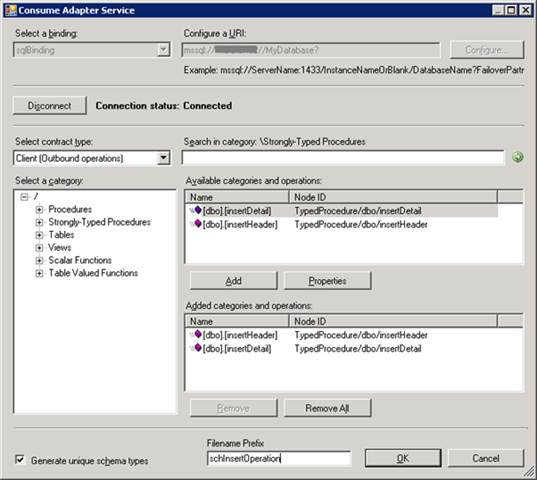
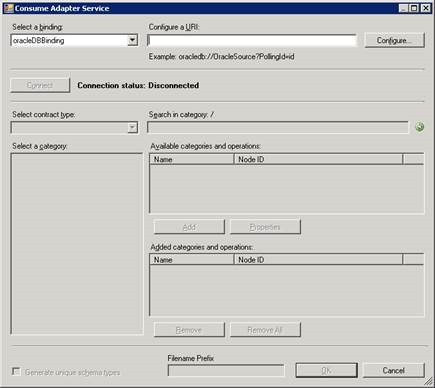
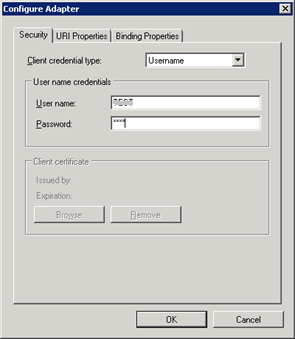
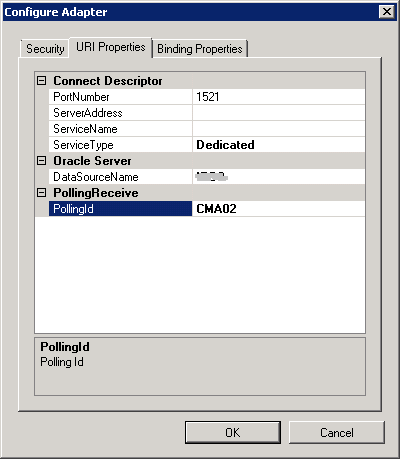
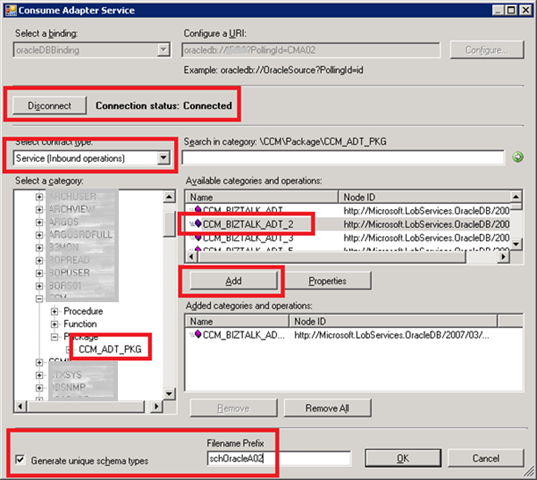
Create a new BizTalk project and generate the schema for the stored procedures. The following figure shows the most important step during generation.
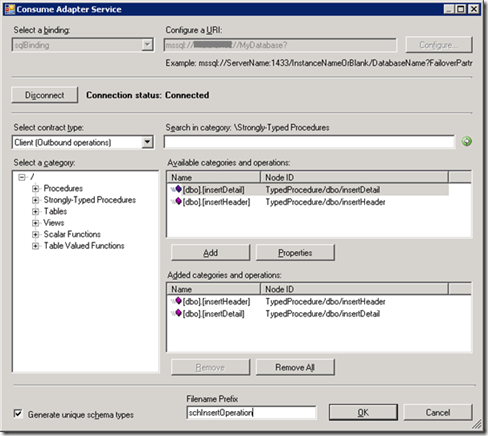
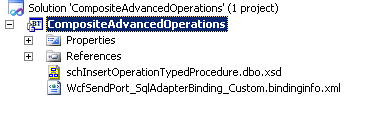
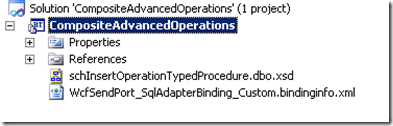
Once schema is generated, you should have the following items inside the project.
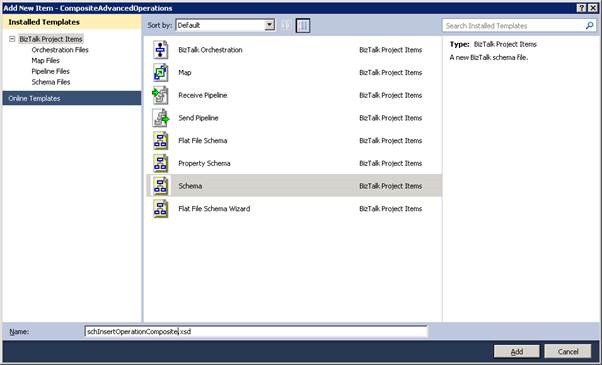
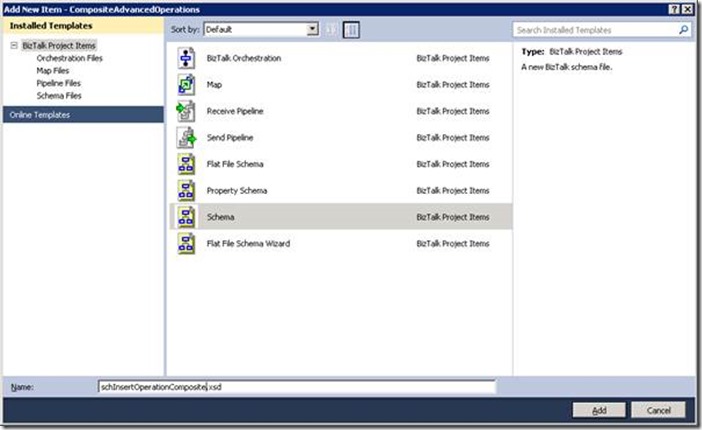
Now we have created a schema for composite operation.
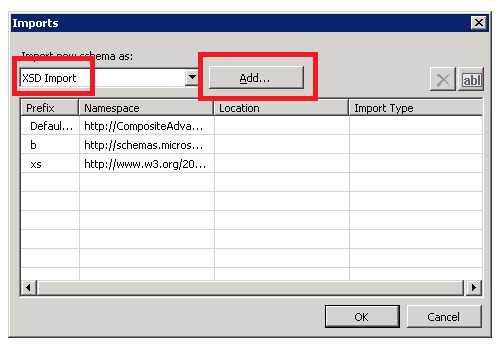
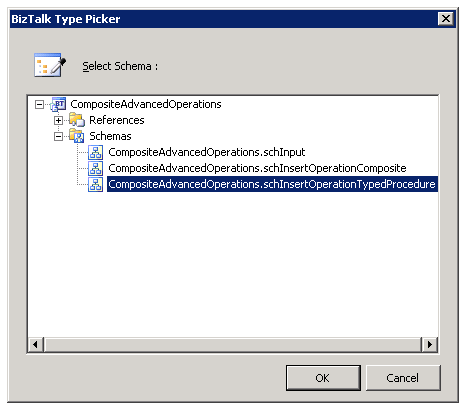
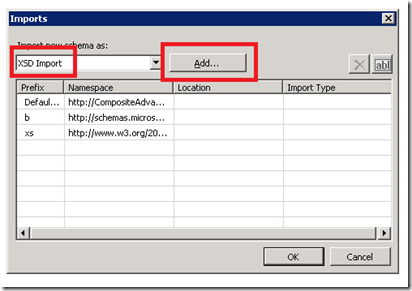
In the property of the schema, you have to import the stored procedure schema as shown in the follow.
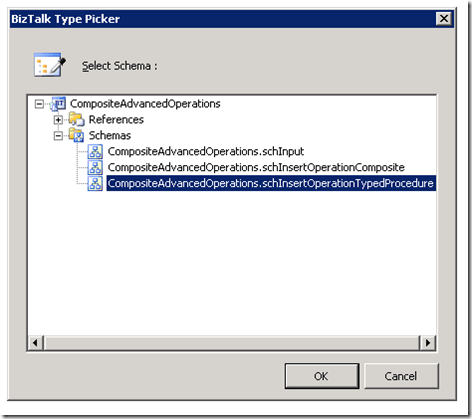
Select the schema generated in the previous step.
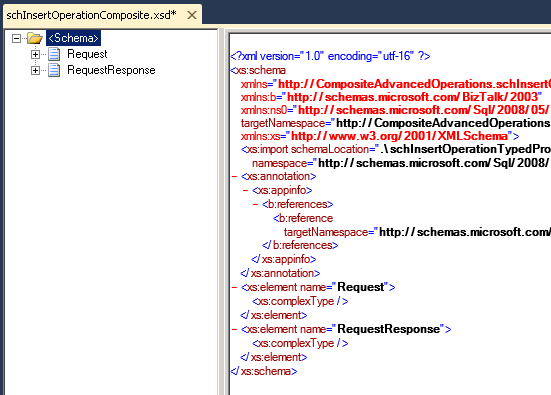
Now create two root element that, as from specific, you have to name Request and RequestResponse.
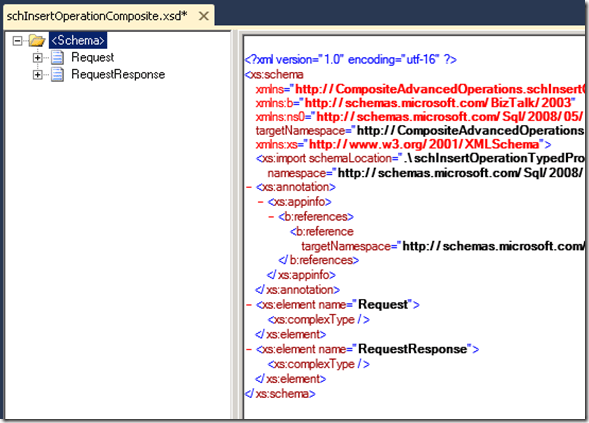
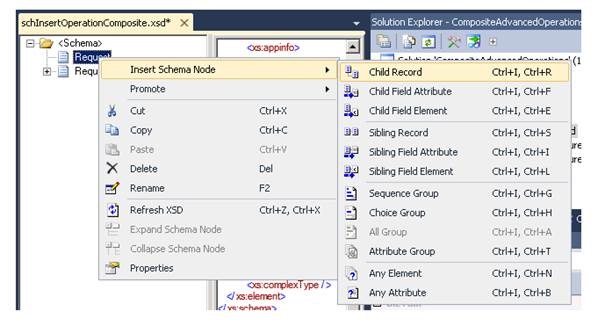
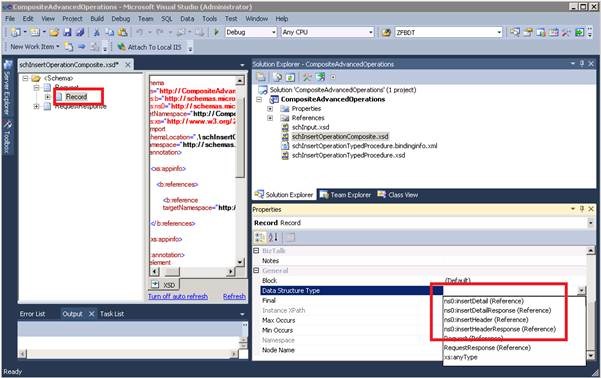
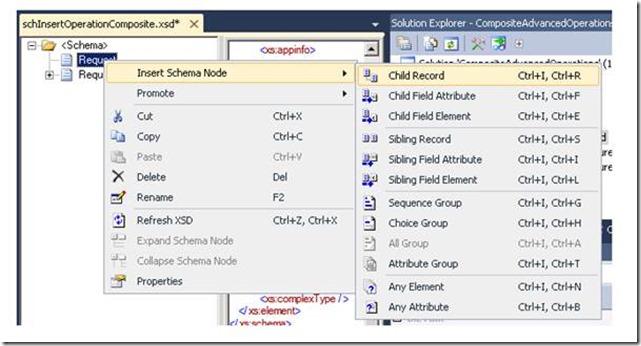
In the Request root element, create a child record for the input of Header stored procedure.
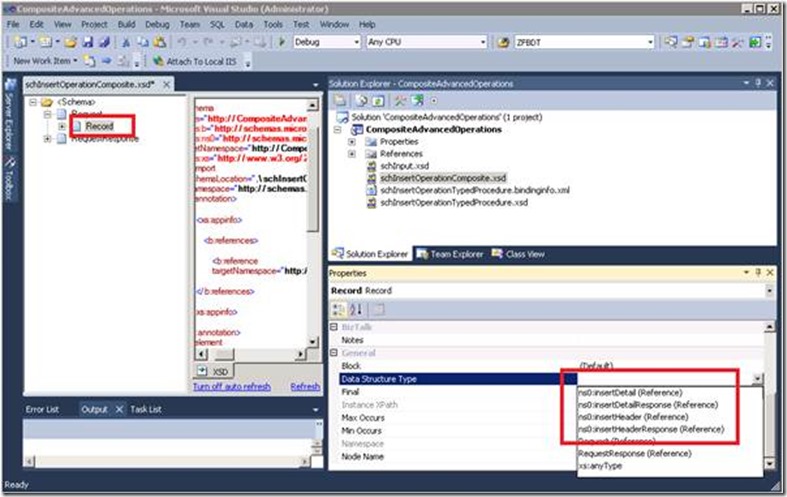
In the Data Structure Type specify “InsertHeader”.
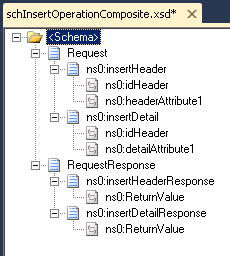
Repeat the previous step for the Detail, the Header response and Detail response. You should obtain the following schema.
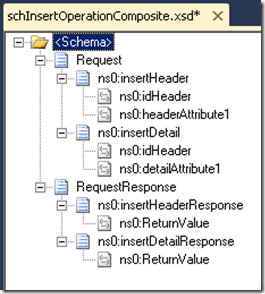
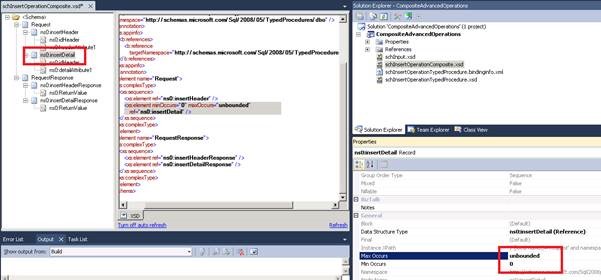
You must then specify the min occurs and max occurs properties.
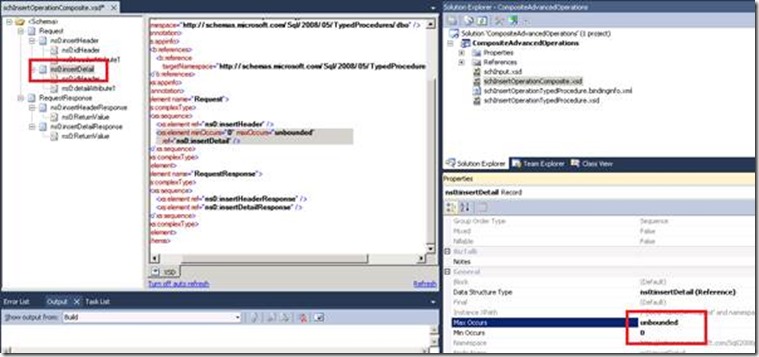
Now you have to create an input schema. Following you can find a very simple example that we used.
<?xml version="1.0" encoding="utf-16"?>
<xs:schema xmlns="http://CompositeAdvancedOperations.schInput" xmlns:b="http://schemas.microsoft.com/BizTalk/2003" targetNamespace="http://CompositeAdvancedOperations.schInput" xmlns:xs="http://www.w3.org/2001/XMLSchema">
    <xs:element name="MyEntity">
        <xs:complexType>
            <xs:sequence>
                <xs:element name="entityId" type="xs:string" />
                <xs:element name="headerAttribute1" type="xs:string" />
                <xs:element minOccurs="0" maxOccurs="unbounded" name="entityDetail">
                    <xs:complexType>
                        <xs:sequence>
                            <xs:element name="detailAttribute1" type="xs:string" />
                        </xs:sequence>
                    </xs:complexType>
                </xs:element>
            </xs:sequence>
        </xs:complexType>
    </xs:element>
</xs:schema>
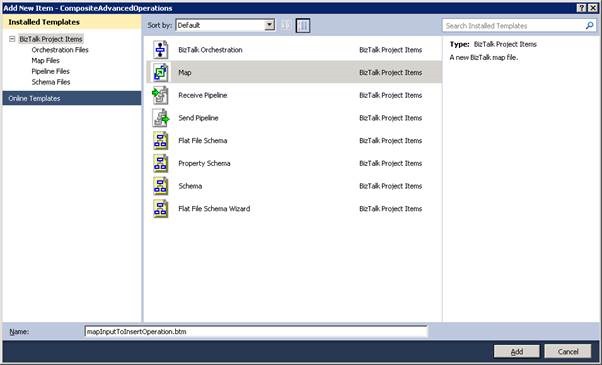
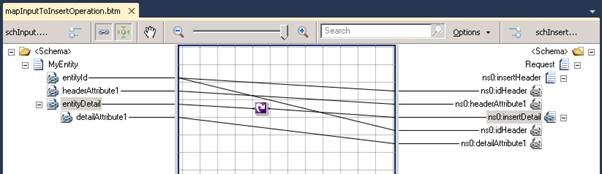
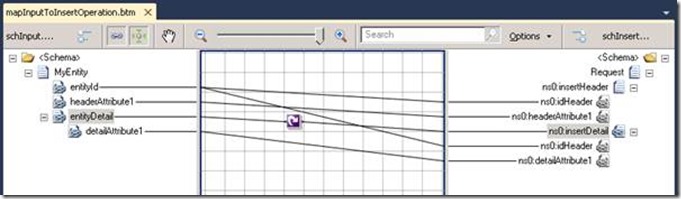
Create a map for the transformation from input schema to insert operation.
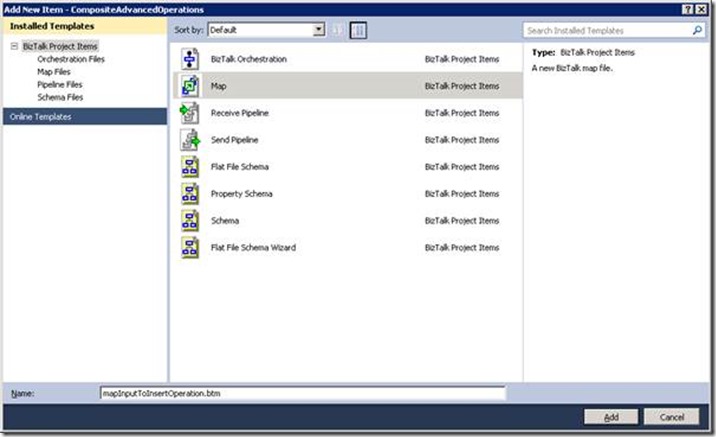
Following the simple map.
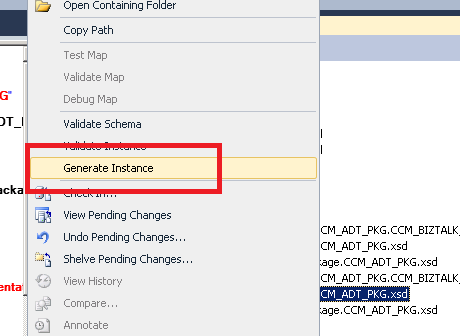
Now generate an input XML instance in order to test the solution.
<ns0:MyEntity xmlns:ns0="http://CompositeAdvancedOperations.schInput">
    <entityId>2F9509A4-5CDF-4C15-8B59-ECD7F9B8E5F6</entityId>
    <headerAttribute1>HEAD</headerAttribute1>
    <entityDetail>
        <detailAttribute1>A</detailAttribute1>
    </entityDetail>
    <entityDetail>
        <detailAttribute1>B</detailAttribute1>
    </entityDetail>
    <entityDetail>
        <detailAttribute1>C</detailAttribute1>
    </entityDetail>
</ns0:MyEntity>
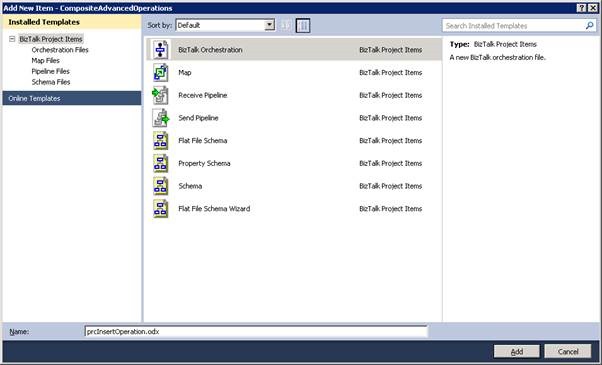
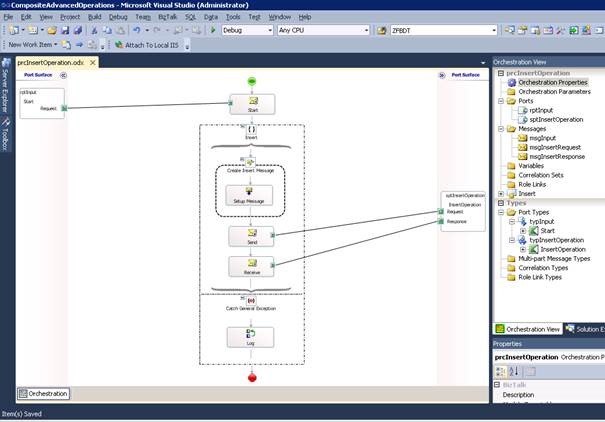
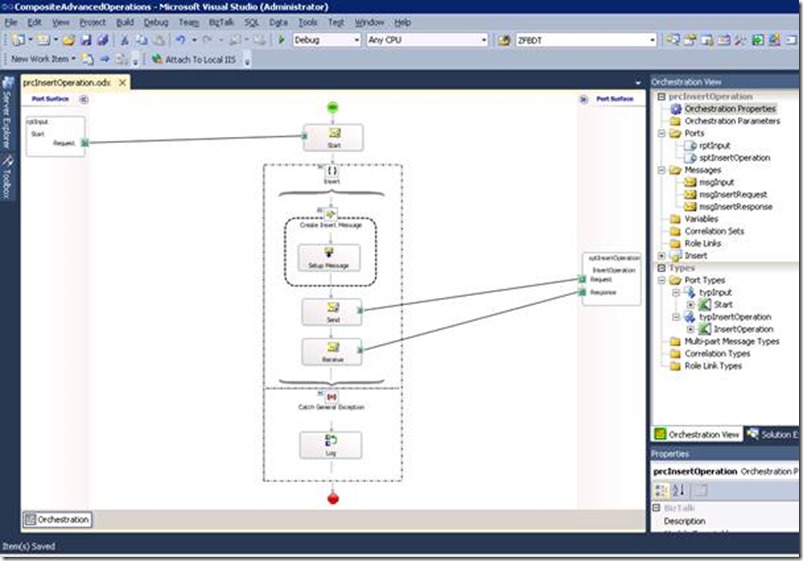
Finally create the orchestration.
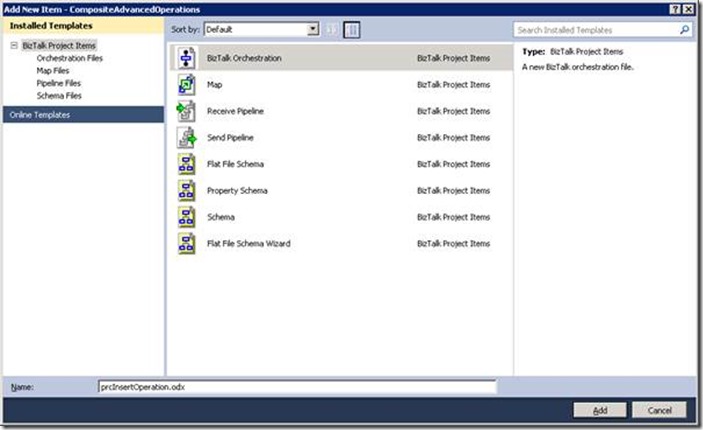
I think should be simple to imagine the integration flow.
BizTalk Administrative Task
From the BizTalk Administration interface, you have to create a new application and create the needed ports.
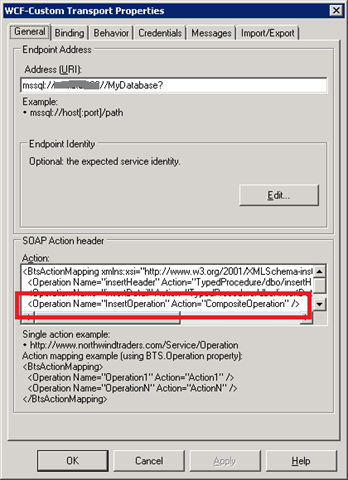
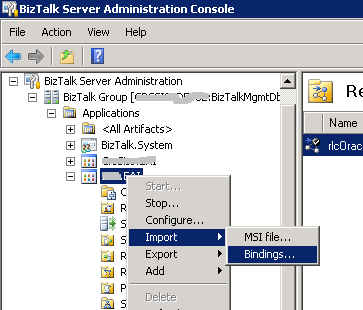
You can create the send port that calls the stored procedure simply by using the binding file that visual studio has generated.
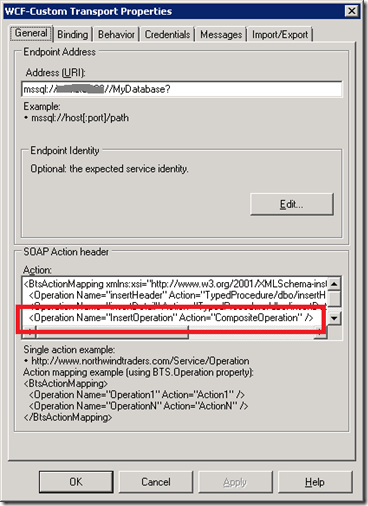
As from specific, remember to add the action inside the send port from the composite operation.
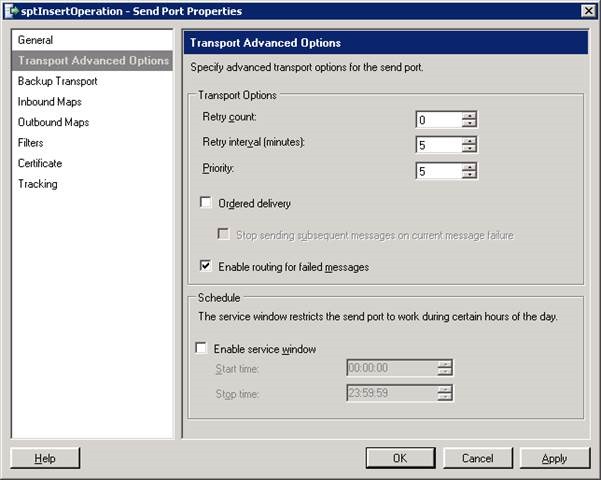
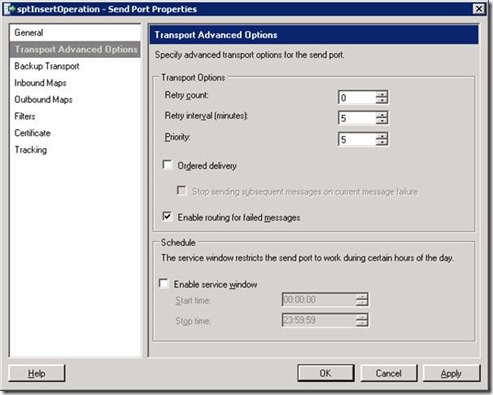
In order to manage the error inside the orchestration you can modify the following parameters.
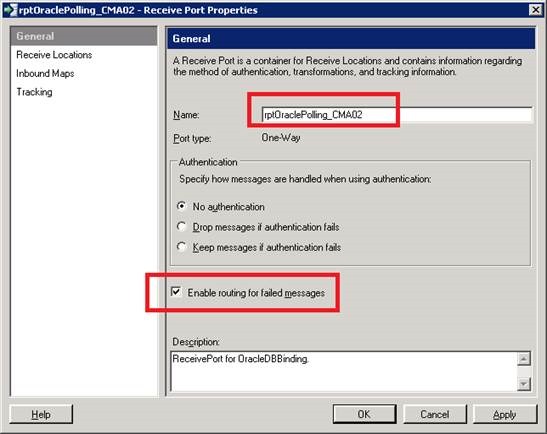
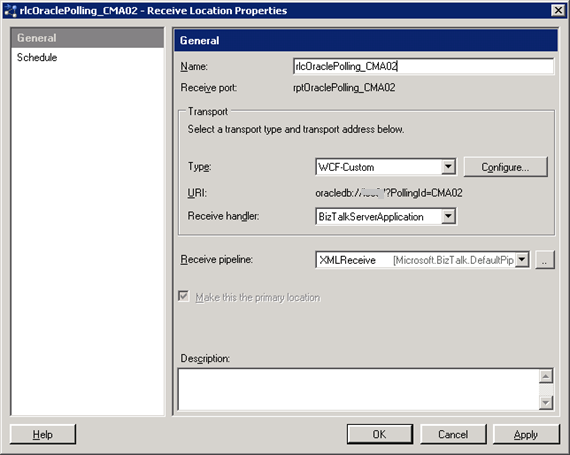
After, you have to create the receive port and location manually.