Usually, the release of a new On‑premises Data Gateway version goes almost unnoticed.
This time, it doesn’t.
With the April 2026 release, a feature has been introduced that can truly make a difference for anyone managing Power BI and Azure Logic Apps environments across multiple customers:
👉 controlled gateway updates.
What does this mean in practice?
Until now, updating the On‑premises Data Gateway was only possible manually and on demand.
That translates into a very concrete scenario:
if you manage multiple customers and must comply with strict maintenance windows, you’re forced to connect only during those specific time slots to perform the update—customer by customer, environment by environment.
With this new release, things change significantly.
You can now schedule the time window during which the gateway will be updated, while maintaining full control over when and how the upgrade takes place.
The result?
Fewer manual logins, fewer repetitive tasks, stronger governance, and a much more sustainable way to manage gateways supporting Power BI and Azure Logic Apps.
How to get started
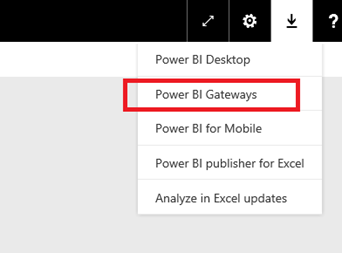
- Upgrade the gateway to the April 2026 version (3000.314)
- Sign in as a gateway administrator
- From the gateway configuration (UI or portal):
- check the current version
- trigger the update when available
- Manage upgrades:
- on demand
- within controlled maintenance windows
What is not yet documented
- a toggle to enable fully automatic updates
- a completely unattended, Windows‑Update–like mechanism
On-premises data gateway April 2026 release | Microsoft Fabric Blog | Microsoft Fabric