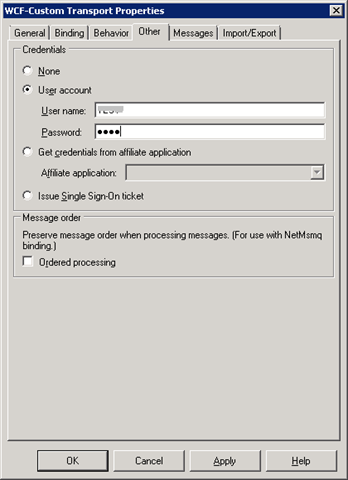
This document shows the step to configure a polling operation using Oracle Function or Packaged Procedure and Functions.
Please refer to MSD article for additional detail (http://msdn.microsoft.com/en-us/library/dd788064.aspx).
Procedure
Open Visual Studio, create a new BizTalk project and generate the polling schema using Consume Adapter Service wizard.
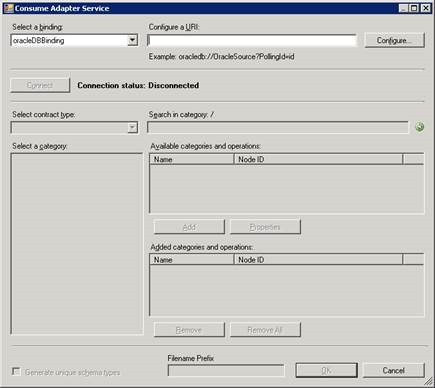
Click on “Configure”.
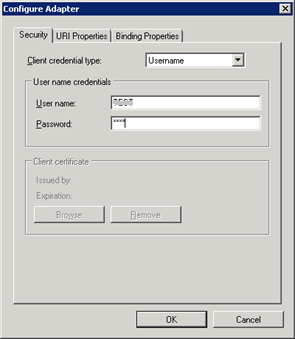
Specify a PollingId as Polling Unique Identifier.
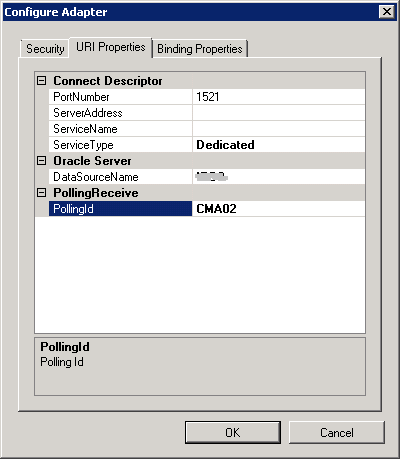
Leave the following form with default settings.
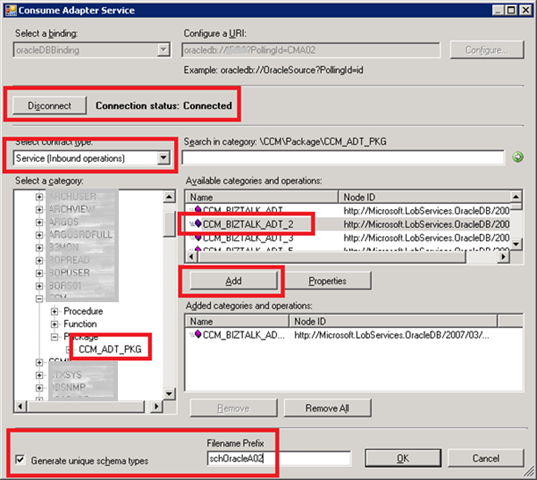
Connect to the database, select “Service (inbound operation)” and choose the Oracle function.
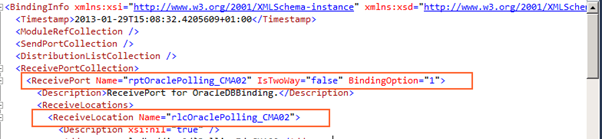
Edit binding file in order to set the following properties:
1. Receive port name
2. Receive location name
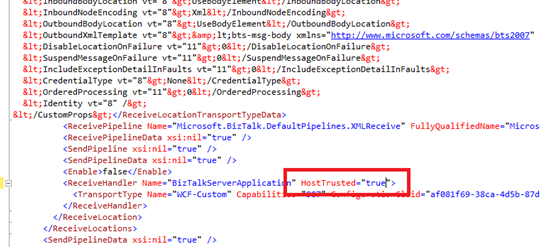
3. If BizTalk host is Trusted you should set host trusted equal to true.
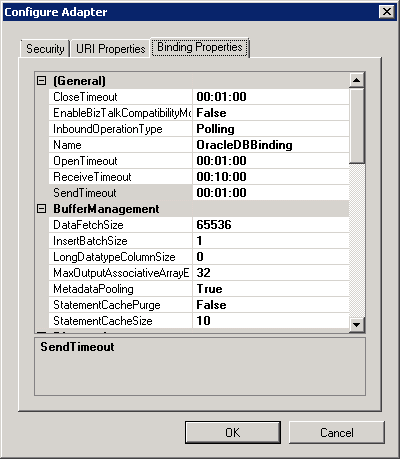
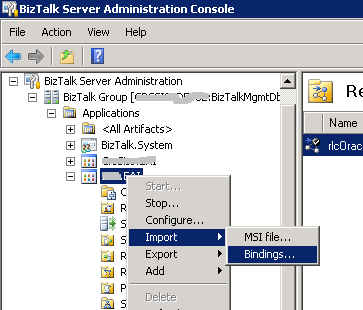
From BizTalk Administration import the generated binding file.
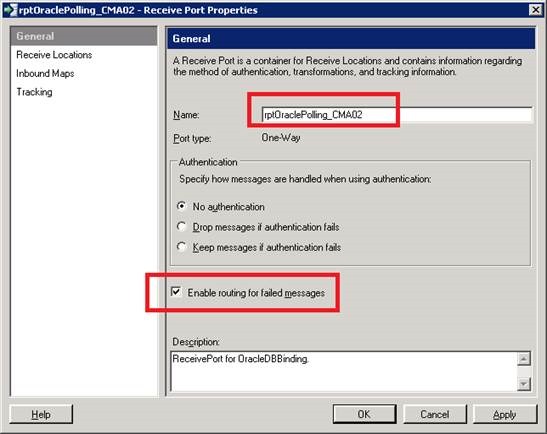
If needed, rename the receive port and enable routing for failed messages.
Rename the receive location.
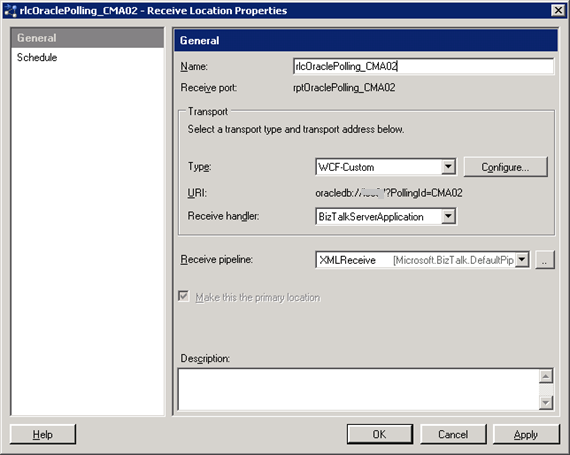
Click on Configure and set the following properties:
PolledDataAvailableStatement
In this example, we use the Oracle function CCM_ADT_PKG.CCM_COUNT, which require a string parameter.
SELECT CCM_ADT_PKG.CCM_COUNT('A02') FROM DUAL
PollingAction
From Visual Studio open the schema “schOracleA02CCM.PollingPackage.CCM_ADT_PKG.xsd” and find for the “action” element.
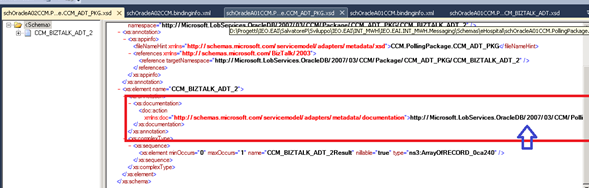
Copy the url “http://Microsoft.LobServices.OracleDB/2007/03/CCM/PollingPackage/CCM_ADT_PKG/CCM_BIZTALK_ADT_2” and set the PollingAction property.
PollingStatement
From visual studio, generate a XML instance for the schema “schOracleA02CCM.Package.CCM_ADT_PKG.xsd”.
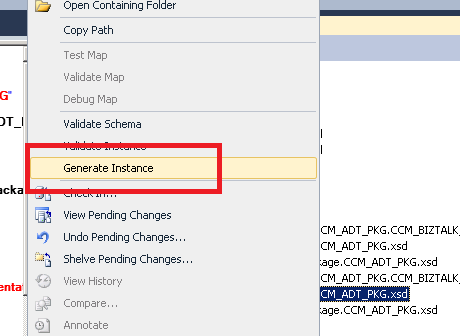
Modify XML content setting up the right parameters.
<ns0:CCM_BIZTALK_ADT_2 xmlns:ns0="http://Microsoft.LobServices.OracleDB/2007/03/CCM/Package/CCM_ADT_PKG">
    <ns0:TIPO_MESSAGGIO>A02</ns0:TIPO_MESSAGGIO>
    <ns0:FL_ELABORAZIONE>0</ns0:FL_ELABORAZIONE>
</ns0:CCM_BIZTALK_ADT_2>
Set Polling Interval to 30 seconds and user name and password.